> For the complete documentation index, see [llms.txt](https://docs.kiloiot.io/llms.txt). Markdown versions of documentation pages are available by appending `.md` to page URLs; this page is available as [Markdown](https://docs.kiloiot.io/gateways/lorawan-gateways.md).
# LoRaWAN Gateways
LoRaWAN gateways for Kilo IoT — radio for LoRaWAN and LR-FHSS over Ethernet, Wi-Fi, LTE, or satellite.
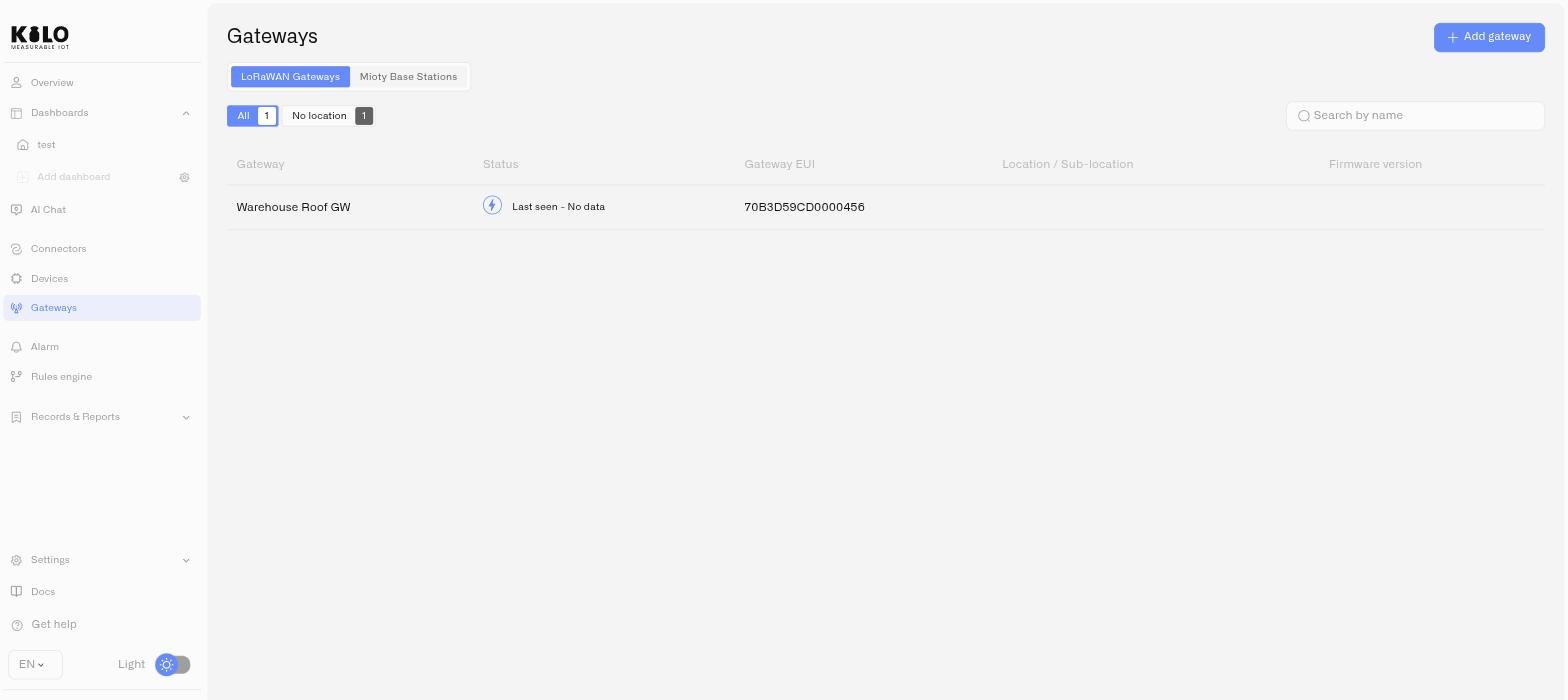
A LoRaWAN gateway is the radio infrastructure that receives signals from your sensors and forwards them to the Kilo IoT Server. Gateways support both **LoRaWAN** and **LR-FHSS** (Long Range Frequency Hopping Spread Spectrum) protocols. Every LoRaWAN or LR-FHSS device in your deployment communicates through at least one gateway — it is the first link in the data chain.
A single gateway can serve hundreds of devices within its coverage area, which typically ranges from 2–5 km in urban environments to 15 km or more in open areas. LoRaWAN signals also penetrate many common walls and floors better than short-range building protocols, so a gateway mounted on the roof of a campus building can often provide usable coverage across the site and even into lower floors or basements. Actual performance depends on construction materials, terrain, and underground layout. For multi-building or campus deployments, additional gateways are added where coverage needs to be strengthened.
Gateways are not limited to office or plant-network installations. Depending on the hardware, they can run from mains power or autonomous power systems such as solar, and they can use Ethernet, Wi-Fi, LTE, or satellite backhaul. That makes them suitable for remote industrial sites, outdoor infrastructure, and other locations with limited or unavailable local network access. In dense structures or below-grade areas such as basements, tunnels, or plant rooms, an additional indoor gateway is often added when a single outdoor gateway does not provide reliable signal penetration.
## Basics Station required
Kilo IoT supports gateways that use the **LoRa Basics Station** protocol. Basics Station establishes a secure, certificate-authenticated connection between the gateway and the server — unlike the legacy UDP Packet Forwarder, which transmits data without encryption.
During gateway setup, you download a certificate bundle and an LNS address. These are what your gateway uses to authenticate and establish its connection. If your gateway does not support Basics Station, it cannot connect to the server.
The gateway registration documented here is the current user-facing path available from the Gateways page. This is a transitional registration flow while the platform evolves. Earlier gateway workflows related to crypto-based onboarding programs are not covered and should not be used for new gateway deployments.
## In this sub-section
* [**Deploying a LoRaWAN gateway**](/gateways/lorawan-gateways/deploying-a-lorawan-gateway.md) — Register a new gateway, download its certificates, and configure the hardware to connect.
* [**Monitoring LoRaWAN gateways**](/gateways/lorawan-gateways/lorawan-gateway-monitoring.md) — View status, availability, traffic, and pings across your gateway fleet. Manage settings, regenerate certificates, and track firmware versions.
* [**Supported LoRaWAN gateways**](/gateways/lorawan-gateways/supported-lorawan-gateways.md) — Compatibility requirements for choosing gateway hardware.
* [**Raspberry Pi IoT hub**](/kilo-hub/raspberry-pi.md) — Build your own gateway from a Raspberry Pi, a Pi HAT and a RAK5146 card, set up from Kilo Hub.
---
# Agent Instructions
This documentation is published with GitBook. GitBook is the documentation platform designed so that both humans and AI agents can read, navigate, and reason over technical content effectively. Learn more at gitbook.com.
## Querying This Documentation
If you need additional information that is not directly available in this page, you can query the documentation by asking a question.
Perform an HTTP GET request on the following URL with the `ask` and `goal` query parameters:
```
GET https://docs.kiloiot.io/gateways/lorawan-gateways.md?ask=&goal=
```
`ask` is the immediate question: it should be specific, self-contained, and written in natural language.
`goal` is what the user is ultimately trying to achieve, the reason they need the answer. Sharing it helps GitBook give you a better, more relevant answer. A goal is most helpful when it describes the outcome the user wants rather than restating the question. For example, with `ask=how do I create an API token`, a goal like `automate deployments from our CI pipeline` lets GitBook tailor the answer to that use case.
The response will contain a direct answer to the question and relevant excerpts and sources from the documentation.
Use this mechanism when the answer is not explicitly present in the current page, you need clarification or additional context, or you want to retrieve related documentation sections.