> For the complete documentation index, see [llms.txt](https://docs.kiloiot.io/llms.txt). Markdown versions of documentation pages are available by appending `.md` to page URLs; this page is available as [Markdown](https://docs.kiloiot.io/kilo-docs-de/kilo-iot-server/reports.md).
# Aufzeichnungen & Berichte
Aufzeichnungen & Berichte in Kilo IoT — der Prüfpfad der Mitgliedschaftsaktivität und der verschlüsselte Key Vault für Geräteschlüssel.
Der Bereich „Records & Reports“ enthält die beiden Orte, an denen Ihre Organisation Dinge dokumentiert: ein Protokoll darüber, wer was getan hat, und einen verschlüsselten Speicher für die Anmeldedaten, von denen Ihre Geräte abhängen.
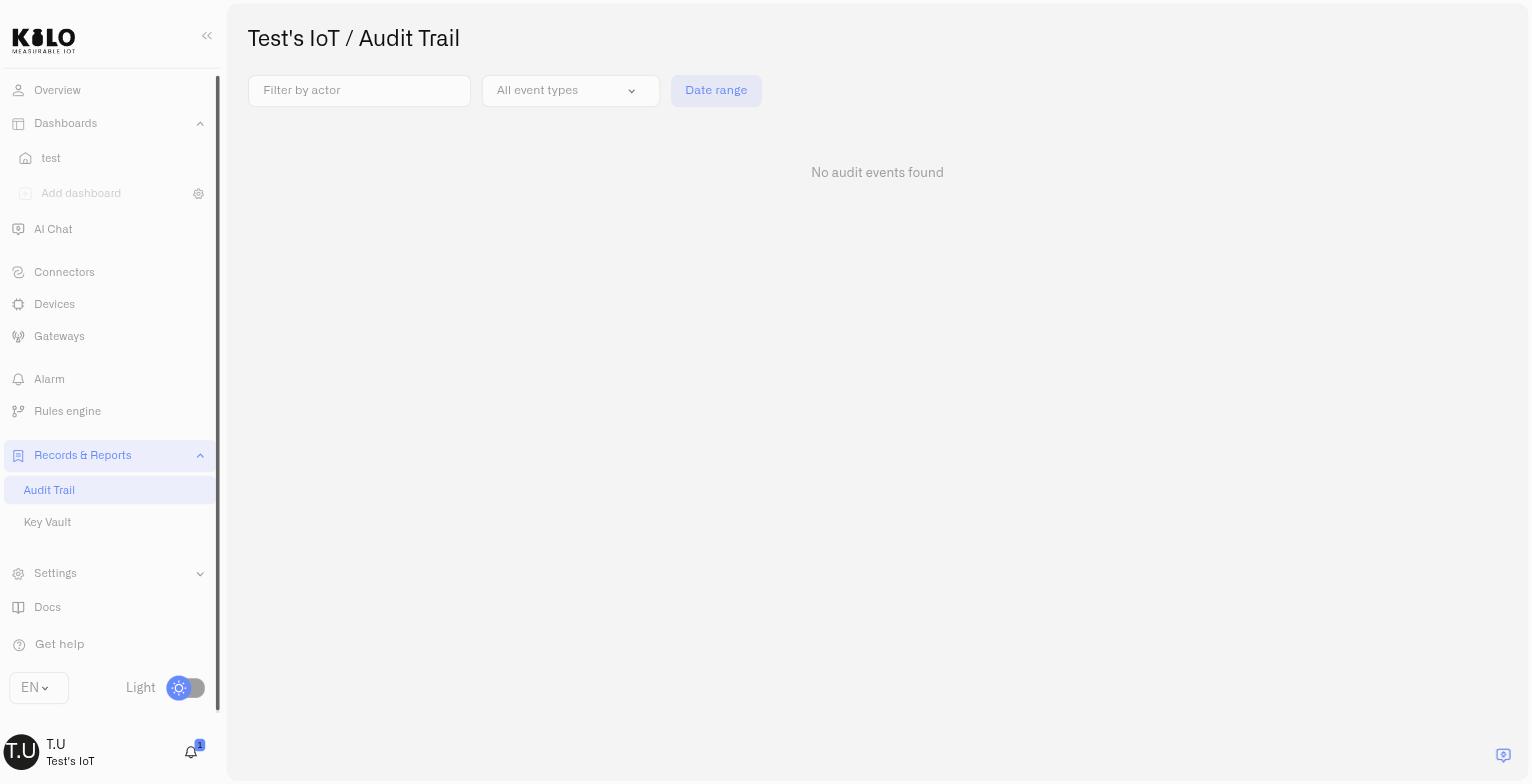
* [Audit-Protokoll](https://docs.kiloiot.io/kilo-docs-de/kilo-iot-server/reports/audit-trail.md) — Ein durchsuchbares Protokoll aller Mitgliedschafts- und Zugriffsereignisse: versendete Einladungen, beigetretene Benutzer, Berechtigungsänderungen und entfernte Benutzer. Filtern nach Akteur, Ereignistyp und Datumsbereich.
* [Key Vault](https://docs.kiloiot.io/kilo-docs-de/kilo-iot-server/reports/key-vault.md) — Ein verschlüsselter Speicher für die EUI-Schlüsselpaare Ihrer Geräte, damit die Anmeldedaten den Installateur überdauern, der die Hardware in Betrieb genommen hat.
## Audit-Protokoll
Der Zugriff wird durch die Berechtigung „Audit Trail“ gesteuert — nur Benutzer mit explizitem Zugriff können diese Einträge anzeigen.
## Key Vault
Funkanmeldedaten sind schwer wiederherzustellen, sobald sie die Box verlassen. Ein LoRaWAN-Gerät benötigt seine DevEUI und AppKey; ein MIOTY-Endpunkt benötigt seine EP EUI und Network Key — und ob sich die geheime Hälfte von einem Gerät wieder auslesen lässt, hängt vom Hersteller ab, erfordert oft eine kabelgebundene Verbindung und ist nach der Installation der Hardware nie praktikabel. Key Vault speichert diese Paare auf Organisationsebene verschlüsselt, durchsuchbar nach teilweiser EUI oder Schlüssel, und erreichbar, wenn Jahre nach der Inbetriebnahme ein Ersatzgerät bereitgestellt werden muss. Der Zugriff wird durch eine eigene Key-Vault-Berechtigung geregelt, die getrennt von jeder anderen Seite vergeben wird.
Beide Seiten sind in der Seitenleiste unter **Datensätze & Berichte**.
---
# Agent Instructions
This documentation is published with GitBook. GitBook is the documentation platform designed so that both humans and AI agents can read, navigate, and reason over technical content effectively. Learn more at gitbook.com.
## Querying This Documentation
If you need additional information that is not directly available in this page, you can query the documentation by asking a question.
Perform an HTTP GET request on the following URL with the `ask` and `goal` query parameters:
```
GET https://docs.kiloiot.io/kilo-docs-de/kilo-iot-server/reports.md?ask=&goal=
```
`ask` is the immediate question: it should be specific, self-contained, and written in natural language.
`goal` is what the user is ultimately trying to achieve, the reason they need the answer. Sharing it helps GitBook give you a better, more relevant answer. A goal is most helpful when it describes the outcome the user wants rather than restating the question. For example, with `ask=how do I create an API token`, a goal like `automate deployments from our CI pipeline` lets GitBook tailor the answer to that use case.
The response will contain a direct answer to the question and relevant excerpts and sources from the documentation.
Use this mechanism when the answer is not explicitly present in the current page, you need clarification or additional context, or you want to retrieve related documentation sections.